
Best Morocco eSIM: Plans, Networks & Coverage Compared
This comparison is based on published provider information, plan terms and official network details. We have not independently field-tested every eSIM plan or coverage area.
 Jack Brel
Affiliate disclosure: Some links on this page, including the Airalo and Saily offer links, may earn Morocco Wayfinder a commission at no additional cost to you. Affiliate links are properly identified. Always review current package terms before purchase.
Quick guide: compare eSIM plans by travel needs
Airalo
Check the exact Morocco package for its local network, speed terms, setup instructions, and validity.
- Network: verify on the selected package
- Compare: data allowance and validity
- Hotspot/tethering: confirm for the selected package
Ubigi
Review the listed local network and coverage information for your specific route; remote coverage can vary.
- Network: verify on the selected package
- Compare: route coverage and activation
- Download offline maps for remote travel
Holafly (Unlimited)
Check the provider’s fair-use and hotspot terms; “unlimited” plans may have usage conditions.
- Network: verify on the selected package
- Ideal for: Digital nomads & heavy streaming
- Check: fair-use and hotspot limits
Compare Morocco eSIM plans using current terms
There is no single best plan for every itinerary. Compare the exact package page because network access, data, validity, hotspot rules and prices can differ between offers from the same provider.
Affiliate disclosure: Some links on this page may be affiliate links and may earn us a commission at no additional cost to you. The Saily link in this table is an affiliate redirect; a separate link opens Saily’s official Morocco offer page. We cannot verify affiliate attribution from the public landing page. Prices, network access and package conditions can change; verify the current terms before checkout.
| Provider / selected plan | Data | Validity | Price shown | Moroccan network(s) | Hotspot / calls | Best suited for | Official plan / terms |
|---|---|---|---|---|---|---|---|
| Airalo · Choukran | 1 GB · fixed data | 7 days | US$6.00 | Orange | Hotspot supported subject to device/network; data-only, no calls/SMS. | Short trip and light data use | Selected plan and terms (Affiliate link) · Hotspot support |
| Ubigi · Morocco Unlimited 15 days | Unlimited; 30 GB full speed, then 2 Mbps under the published Fair Use Policy | 15 days | €45 | Maroc Telecom and Orange; provider lists no 5G for this offer | Data sharing allowed; data-only | Heavy data use over a two-week stay; check route coverage | Official plan and Fair Use Policy |
| Holafly · Morocco eSIM, 3 days | Unlimited, subject to provider terms | 3 days | US$14.90 | INWI, Maroc Telecom (IAM), Orange Morocco | Hotspot up to 1 GB/day; data-only, no local number for standard calls/SMS | Short stay with high data use and limited tethering | Official offer · Fair-use terms |
| Saily · Morocco 1 GB | 1 GB · fixed data | 7 days | US$8.99 (price shown on the US-dollar regional page) | Partner network names are not specified on the reviewed Morocco offer page; it says local operators | Hotspot sharing permitted; data plan only. Voice/SMS require separate Saily plans. | Short trip with light data use; useful if you prefer app-based setup | View Saily offer (affiliate link) · Check official package details |
How to compare: These are selected examples, not identical bundles, so compare the allowance you actually need and total trip duration. Prices are shown in the currencies displayed on the linked regional pages; promotions, country settings and checkout currency may change them. Network names reflect provider-published information, not independent coverage tests. “Not specified” means the reviewed offer page did not name a partner. Holafly’s hotspot allowance is 1 GB/day; Ubigi’s published Fair Use Policy reduces speed to 2 Mbps after 30 GB at full speed.
Choose a Morocco eSIM by checking the package details
The comparison table above lists selected offers and the date checked. Prices and terms can change, so confirm price, data, validity, network, hotspot/fair-use conditions and device compatibility on the provider page before purchase.
Affiliate disclosure: Some provider links below may be affiliate links and may earn a commission at no additional cost to you. Affiliate links are identified in the relevant card. This comparison does not guarantee that a plan will cover every point on your route.
Set up your comparison
Choose your needs to generate a checklist for comparing each provider.
This tool organizes your search; it does not check live offers or predict coverage. Verify the exact plan on the provider’s website before purchase.
Nomad
Compare current Morocco packages and verify the listed local network and tethering terms.
View Nomad plansUbigi
Check current Morocco packages, network details and any fair-use conditions.
View Ubigi plansAiralo
Compare current data packages, validity, top-up options and listed network. Some links may earn us a commission at no additional cost to you.
View Airalo plans (affiliate link)Open the Morocco offer directlyHolafly
Review fair-use, hotspot allowance and validity for the specific unlimited plan.
View Holafly plansMaya Mobile
Check package limits, renewal conditions, local network and current price.
View Maya plansSaily
Check available Morocco packages and the local network terms for the plan you choose. Some links may earn us a commission at no additional cost to you.
View Saily plans (affiliate link) Open the Morocco offer directlyA simple connectivity checklist
- Confirm that your device supports eSIM and is network-unlocked.
- Check the local network(s) named for the exact package.
- Read hotspot, fair-use, activation and validity terms.
- Keep offline maps for remote routes; mobile coverage is not guaranteed.
Plan for changing coverage across Morocco
Coverage and speed vary by location, device, network partner, congestion and package. This page does not publish independent measured speeds or route-level coverage scores. Check current provider and operator information for your itinerary.
Marrakech medina and Guéliz
Buildings, indoor locations and busy periods can affect signal. Confirm the local network listed for your package and test your setup before departure.
High Atlas and Tizi n’Tichka
Coverage can vary along mountain roads and in valleys. Do not rely on mobile data as your only navigation or safety resource.
Merzouga and Erg Chebbi
Signal may be limited away from settlements and roads. Ask your accommodation about its current connectivity and download maps for offline use.
Casablanca and Rabat
Network performance can vary indoors, on trains and at busy transport hubs. Check your provider’s current coverage and roaming details.
Before Departure
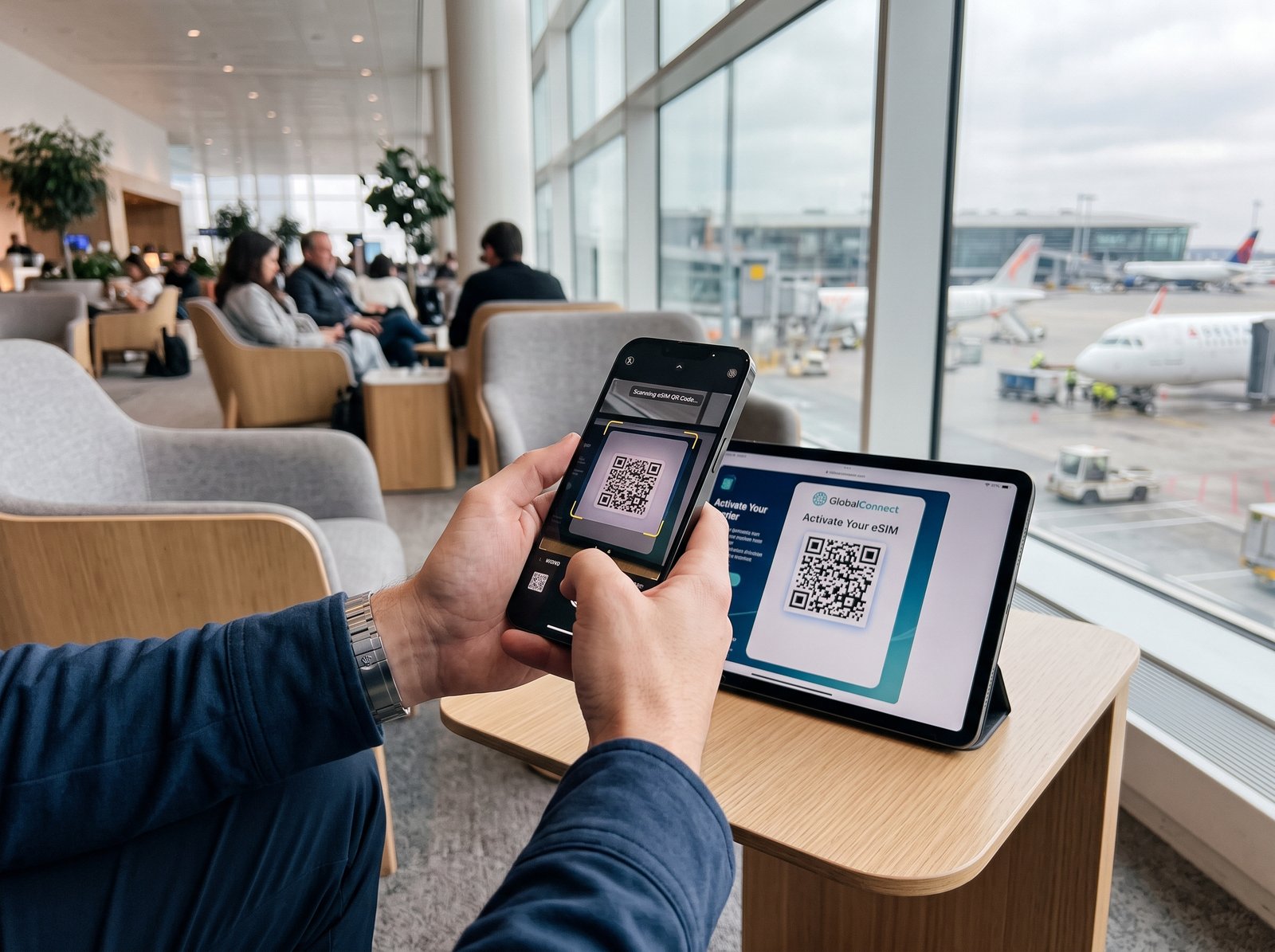
Install your Morocco eSIM profile at home or via secure departure gate Wi-Fi prior to boarding. Label the line clearly as “Morocco Travel” and ensure your primary physical SIM remains set for voice/SMS while cellular data switching is restricted.
On Touchdown

After landing, select the travel eSIM for mobile data and keep your home SIM settings as needed. Follow the provider’s activation instructions; connection time and availability can vary.
Troubleshooting

If data does not connect, follow your provider’s troubleshooting steps: confirm the eSIM line is enabled, check whether data roaming is required for that plan, and verify APN settings against the provider instructions. Keep roaming disabled on your home SIM if you want to avoid charges.
Official resources to check before purchase
Use these pages to confirm current package details. Provider prices, available plans and network terms may change; this article does not guarantee coverage at a specific address or route.
- Nomad: Morocco eSIM plans and network information
- Ubigi: Morocco plans, networks and fair-use terms
- Airalo: Morocco packages and primary network
- Holafly: Morocco eSIM and hotspot information
- Maya Mobile: Morocco eSIM plans
- Saily: Morocco eSIM plans
- ANRT: consumer information about telecom services
- ANRT: Morocco ICT and telecom indicators
Frequently Asked Questions About Using an eSIM in Morocco
Direct answers to critical questions about Moroccan telecom regulations (ANRT), identity checks, local phone numbers, and physical SIM alternatives.
Do I need to submit passport or ID scans to buy a Morocco eSIM?
No. Requirements depend on the product and provider. Local prepaid SIM registration is subject to Moroccan identification rules, while travel eSIM providers may have different purchase checks. Do not assume that every travel eSIM is exempt from identity checks; confirm the current requirements with the provider. See the ANRT resources below.
Do travel eSIMs come with a Moroccan (+212) phone number?
Most travel eSIMs are data-only and do not provide a local Moroccan phone number. However, you do not need one:
- WhatsApp: Morocco’s primary communication channel for booking desert tours, contacting riads, and speaking with taxi drivers operates seamlessly over data.
- Ride-Hailing: Apps like Careem and Indrive function normally using your home phone number paired with local eSIM data.
Is an eSIM cheaper than buying a local physical SIM card?
Prices vary by operator, package and date. Compare the current local prepaid offer with the travel eSIM’s total price, data allowance, validity and activation convenience before choosing.
Can I tether or share my connection with a laptop or companion?
Hotspot availability and limits depend on the exact plan. Check the provider’s current tethering allowance and fair-use policy before purchase.
Will my eSIM work inside the Sahara Desert?
Coverage can vary within the desert and may be unavailable away from roads or settlements. Check the exact plan’s listed network(s), ask your camp about current connectivity, and download offline maps. No provider can guarantee signal at every location.
What happens if my smartphone is locked to my home carrier?
An eSIM will not work on a carrier-locked device. You must contact your home carrier to request an official network unlock before departure. On iPhone, check Settings > General > About > Carrier Lock; it must state “No SIM restrictions.”